Getting Started with Make A Rocket
From your first pad visit to a stable cash loop without wasting early upgrades.
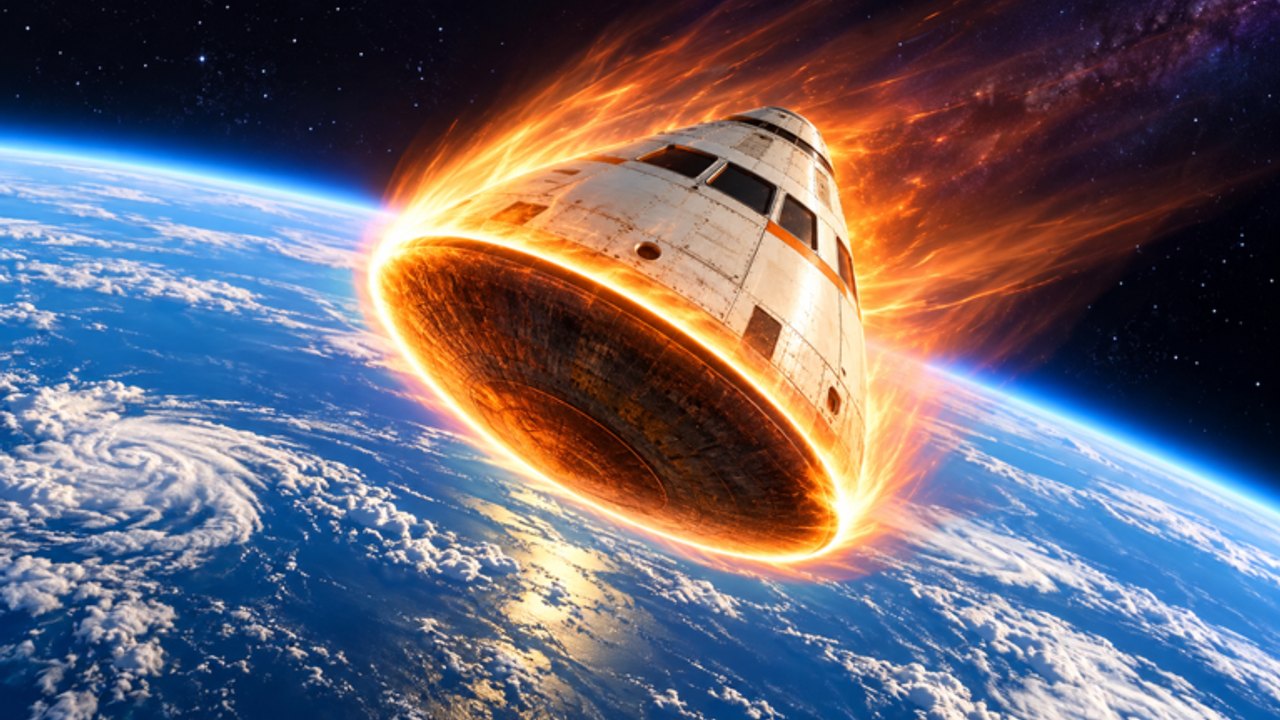
Welcome to Make A Rocket
Make A Rocket is a free Roblox Simulation / Physics Sim from Aiden Bogo fan club. You spawn at a build plot, assemble a rocket, launch for distance, earn cash, unlock stronger parts, and push toward new planets. Servers hold up to six players, so you will often share the sky with other builders.
This beginner guide gets you through the confusing first session. When you finish, move to How to build a rocket and the rocket parts tier list.
Step 0 — launch the right experience
Open the official place: Make A Rocket on Roblox. Favorite it so updates are easier to track. If the description mentions new planets or parts, skim the Updates hub after you load.
Step 1 — learn the pad layout
Before buying anything, walk the plot once:
- Find the build / shop area where parts are purchased or placed.
- Find the launch control (button, lever, or GUI) that starts the flight.
- Note where cash and part levels appear on the HUD.
- Spot any codes entry if the build includes one — details live on the Codes Hub.
If buttons feel awkward, open Controls in another tab and mirror the inputs on your device.
Step 2 — assemble a “good enough” starter rocket
Your first rocket does not need to be ultimate. It needs to leave the pad without immediately flipping.
- Place or upgrade a basic engine.
- Attach enough fuel to finish a short burn.
- Add simple fins if the craft spins on ignition.
- Sit in / confirm the cockpit or launch seat if the game requires it.
Resist the urge to max cosmetics. Early cash is scarce and belongs in S-tier parts from the Tier List Hub.
Step 3 — complete your first successful launch
- Double-check fuel and part connections.
- Trigger launch and watch altitude / distance readouts.
- Note where the flight fails (flameout, spin, low thrust).
- Collect the cash reward when you land or reset.
A failed launch still teaches you which system is weak. Fix that system before random shopping.
Step 4 — turn launches into a cash loop
The core loop is short on purpose:
Launch → earn cash → upgrade the weakest S-tier part → launch again.
Do not break the loop to chase every shop item. Use Earn cash fast once basic flights are consistent. If a promo code appears, spend it on Engine or Fuel Tank, not trails.
Step 5 — set a first planet goal
The game fantasy is exploring space and seeing how far your rocket can go. Pick a concrete early goal:
- Beat your personal best distance three times in a row, or
- Reach the first named planet / altitude band described in Explore planets.
Goals keep upgrades intentional. Without them, players overspend on C-tier cosmetics and stall.
Step 6 — learn server manners early
With a max of six players, plots can feel busy. Read Players for etiquette: do not block someone else’s pad, do not grief launches, and give space when testing experimental builds.
Beginner mistakes to avoid
- Skipping fuel upgrades after a big engine purchase
- Ignoring fins when every flight corkscrews
- Redeeming codes into cosmetics first
- Installing random scripts before you understand the manual loop
- Quitting after one crash — crashes are data
30-minute starter checklist
Use this once per new account (also mirrored in Tools):
- Favorite the experience and join a server
- Locate shop, launch control, and HUD currencies
- Build a stable starter rocket
- Complete three launches and record the best distance
- Spend all cash on Engine → Tank → Fins order
- Attempt one intentional planet-band push
- Skim Updates for anything that changed this week
What to read next
- How to build a rocket — assembly detail
- Earn cash fast — grind routes
- Explore planets — distance milestones
- Guides Hub — full index
Master the starter loop before optimizing. Make A Rocket rewards patience on the pad more than panic shopping in the store.
Frequently Asked Questions
Quick answers for Make A Rocket players.
Is Make A Rocket free to play?
Yes. It is a free Roblox experience. Optional Robux purchases may exist, but the core build-and-launch loop works without paying.
How many players are in a Make A Rocket server?
Servers support up to six players. Expect shared pads and friendly competition for height records.
What should I buy first as a beginner?
Engine upgrades first, then Fuel Tank, then fins if you spin. Leave cosmetics for later.
Where do I go after this beginner guide?
Read How to build a rocket, then Earn cash fast, and keep the Rocket Parts Tier List open while you spend.